From the first photo to the finished before & after.
Visualize Pro guides your team through consistent photos on an iPad or phone, files them by patient and visit, builds your before & after images, and shows patients an AI preview of their result during the consultation. Your EMR stays for charting. Everything photo-related lives here.
Already using Visualize Pro? Clinic login
Capture
Guided photos on an iPad or phone, filed by patient and visit as you shoot.
Studio
Before & after images built for you: faces lined up, background, crop and captions.
Visualize
An AI preview of the planned result, on the patient’s own photo, during the consultation.
Library
Every patient’s photos, your creations and your website gallery, in one place.
An afternoon of sorting, or a minute.
Photos are taken on whichever phone is nearby, at a slightly different angle and light each visit. Later someone finds them, crops them, lines them up and labels them by hand, when there is time.
The camera shows the patient’s last photos faintly over the frame, so every angle lines up. Photos are filed by patient as they are taken, and a before & after is ready in about a minute.
Consistent photos, visit after visit.
Capture walks your team through the five standard facial angles. The patient’s previous photos show faintly over the camera, and short prompts help with distance, angle and light, so a follow-up matches the first visit.
- New photos, follow-ups and imports, all from one screen
- Import existing photos: folders named by patient are filed straight away, the rest wait in the Inbox
- The patient’s consent is recorded with every set
- Face first, with body areas being added
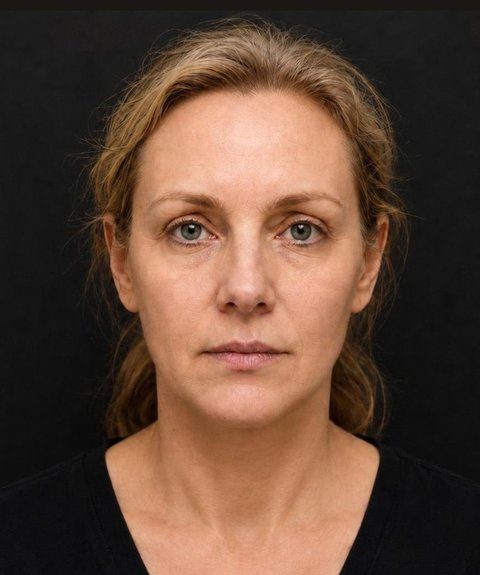
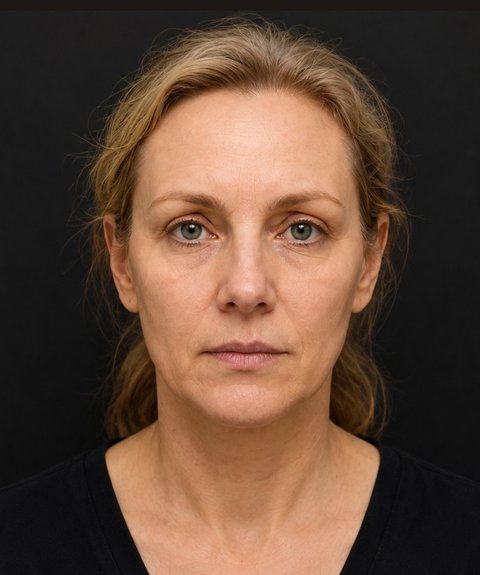
A finished before & after in about a minute.
Pick two visits and Studio finds the faces, matches their size and crop, and adds the captions. You can keep the original background or switch to black, adjust the framing, and save it to the patient or your gallery.
- Compare any two visits that share an angle
- Several angles side by side in one image
- Captions in English or French
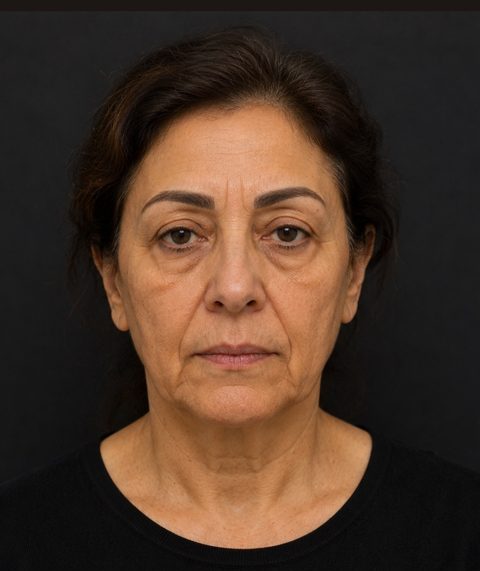 BEFORE
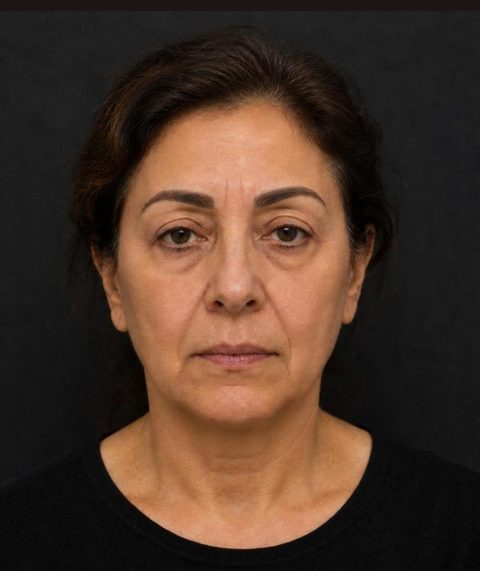 AFTER
Show the result before the treatment.
During the consultation, Visualize creates an AI preview of the planned change on the patient’s own photo, angle by angle. You can change one area at a time while the rest of the face stays as it was, and keep earlier versions beside the new one.
- Works on every angle you captured
- Previews can be guided by your clinic’s own finished cases
- Used only with the patient’s consent for AI previews


Every patient’s photos, in one place.
Photos are filed by patient and visit as they are taken. Library keeps them alongside the images you made in Studio and Visualize, and your website gallery shows only the cases you choose to publish, with the patient’s consent.
- Photos, Inbox, Creations and Gallery
- Find any patient in seconds
- Your team works from the same library, with roles for owners, admins, injectors and staff



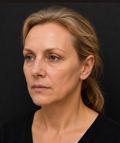
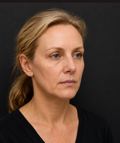
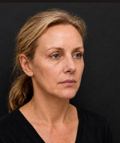



Keep your EMR for charting. Use Visualize Pro for everything photo-related.
One place for the whole clinic team.
Injectors and providers
Follow-up photos that line up with the first visit, and a preview to plan the treatment with the patient.
Coordinators and front desk
Import and sort photos, find any patient quickly, and have the consultation ready before the patient sits down.
Owners and marketing
A well-labelled photo library, before & after images ready to post, and a website gallery that stays current.
How patient photos are handled.
Simple plans. Change anytime.
Every plan includes a 7-day free trial. Choose by what you need and the size of your team.
Capture, Studio and the Library for one person.
Everything in Starter, plus Visualize, your website gallery and room for every patient.
Everything in Essential, shared with your clinical team.
Everything in Essential, for your entire clinic team.
Try it with your next patient.
Every plan starts with a 7-day free trial.
Prefer a more hands-on start?
Selected clinics receive 90 days of complimentary access, guided onboarding and direct support from our team. It suits multi-location groups and clinics that want to work closely with us from the start.